
Master UI Development Step-by-Step
Frontend Coding Challenges for Beginners
Step into our interactive playground to practice frontend development from scratch. Build realistic UI components using Vue.js, React, or Vanilla HTML, CSS, and JavaScript. Instantly preview your UI and run automated DOM tests directly in your browser with zero setup.
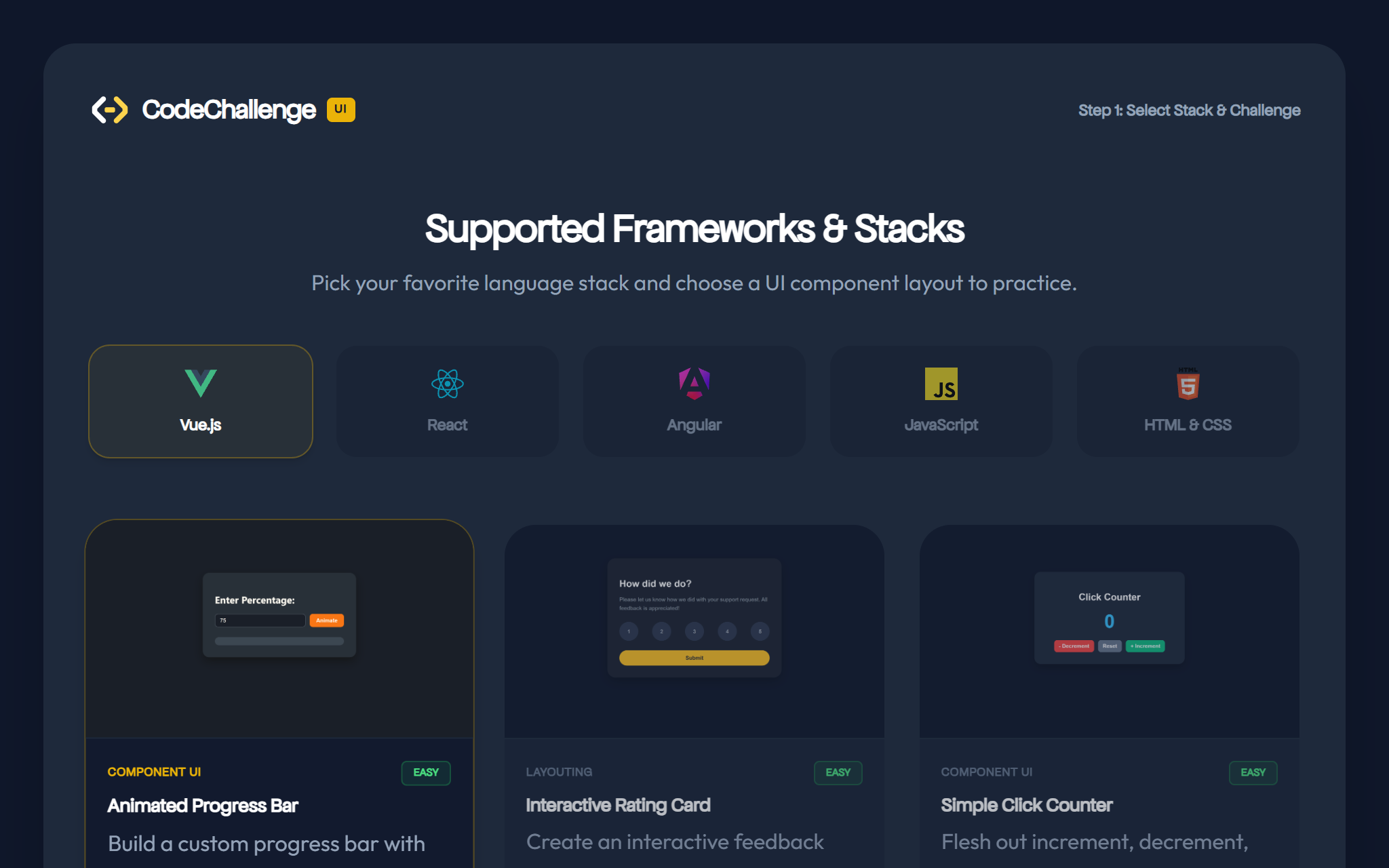
Supported Frameworks & Stacks
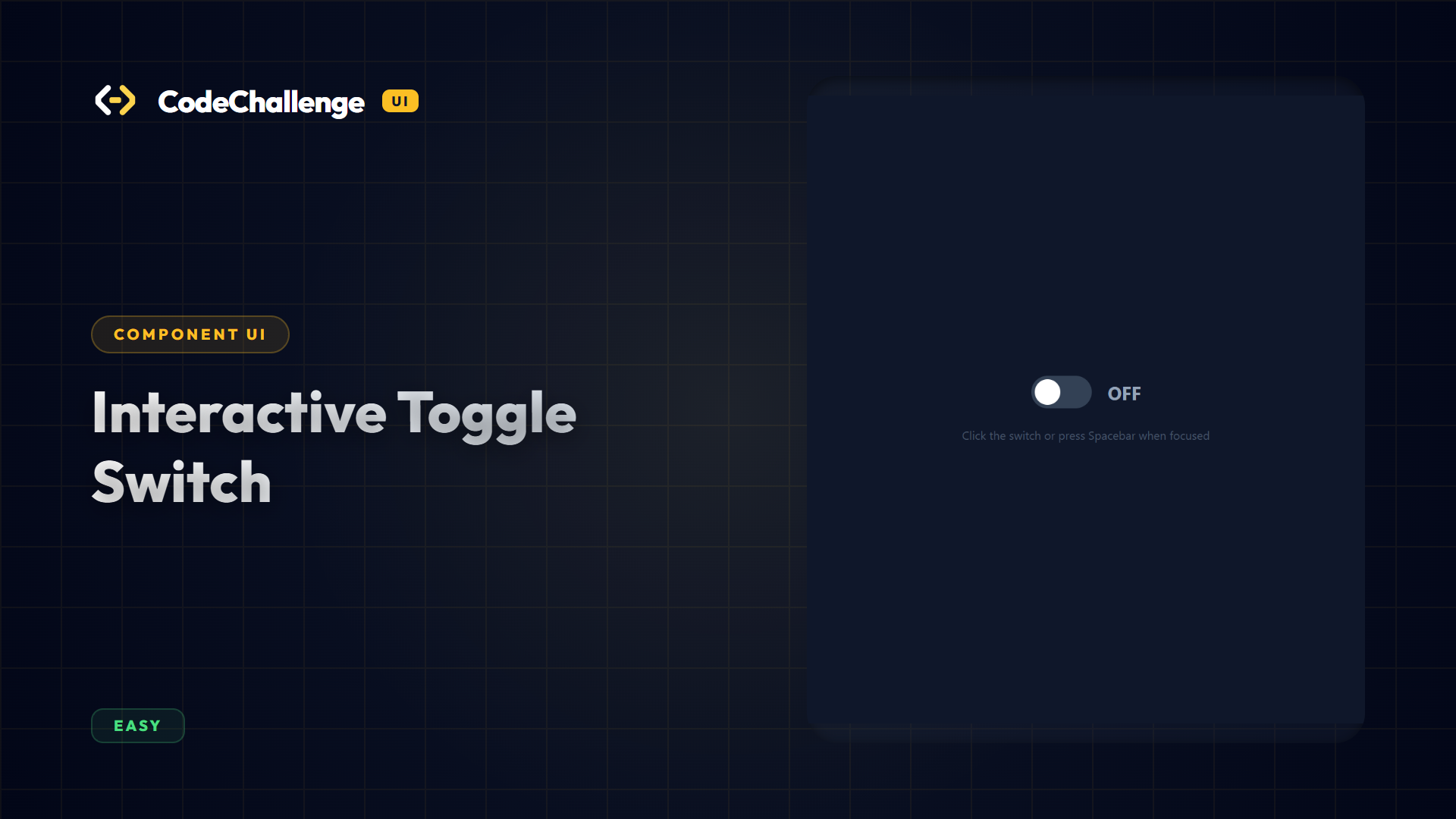
Interactive Toggle Switch
Create an accessible, animated toggle switch. The switch must toggle its active state on click, support keyboard activation via Spacebar/Enter when focused, and toggle a label indicator.
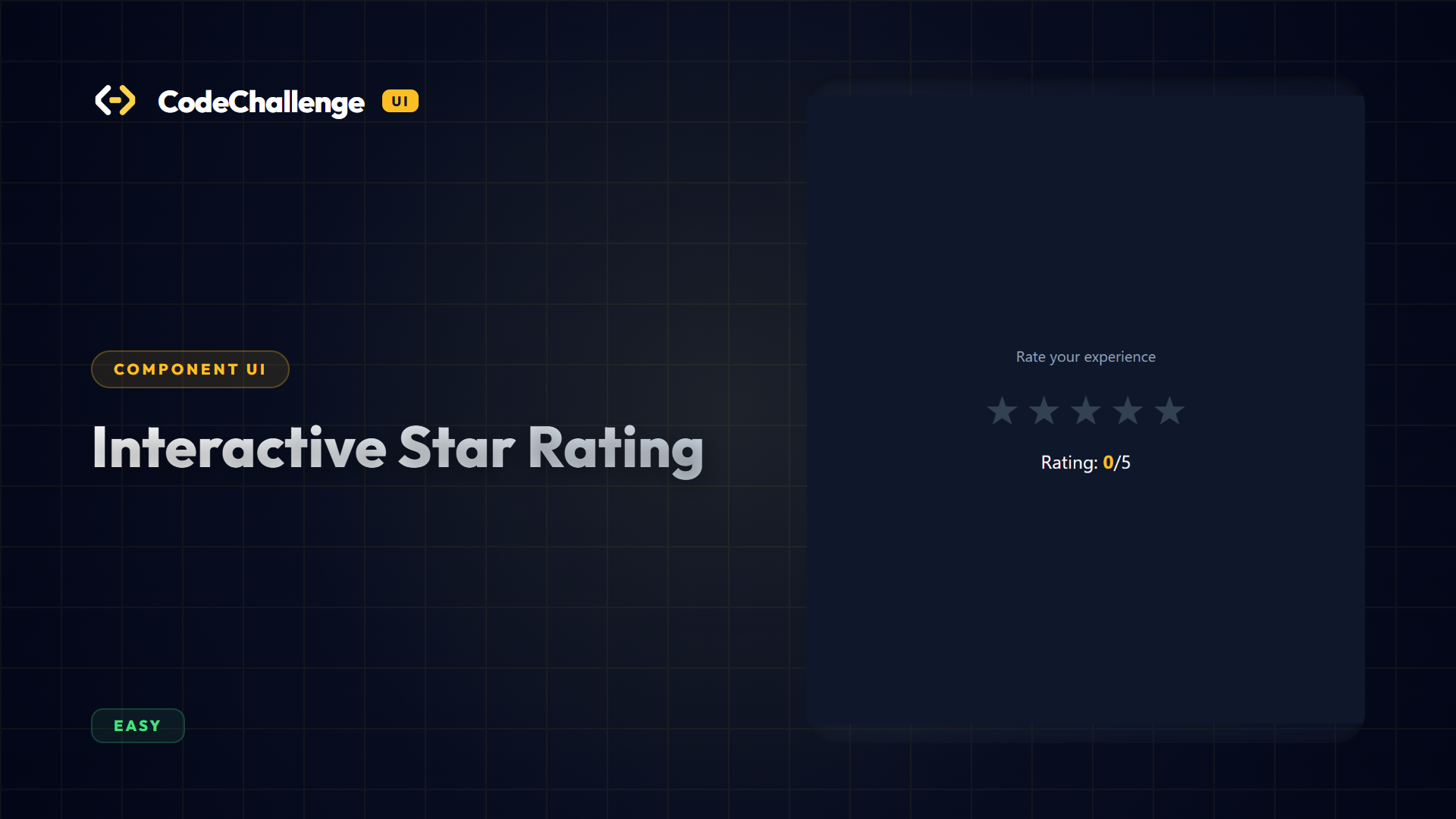
Interactive Star Rating
Design an interactive rating selector component. Hovering over stars highlights them up to the target index. Clicking locks in the selected rating count.
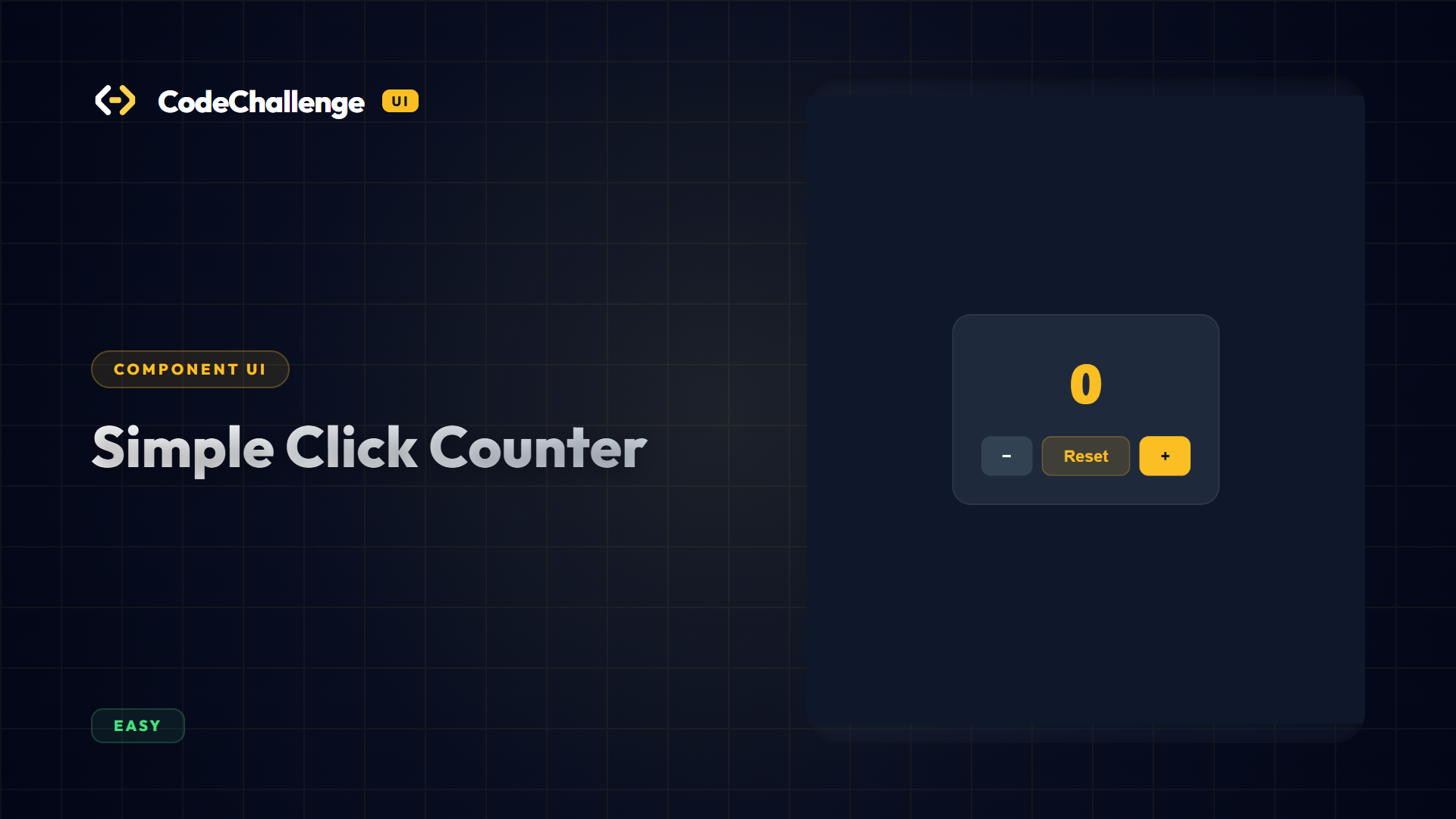
Simple Click Counter
Implement increment, decrement, and reset buttons modifying a display counter element.
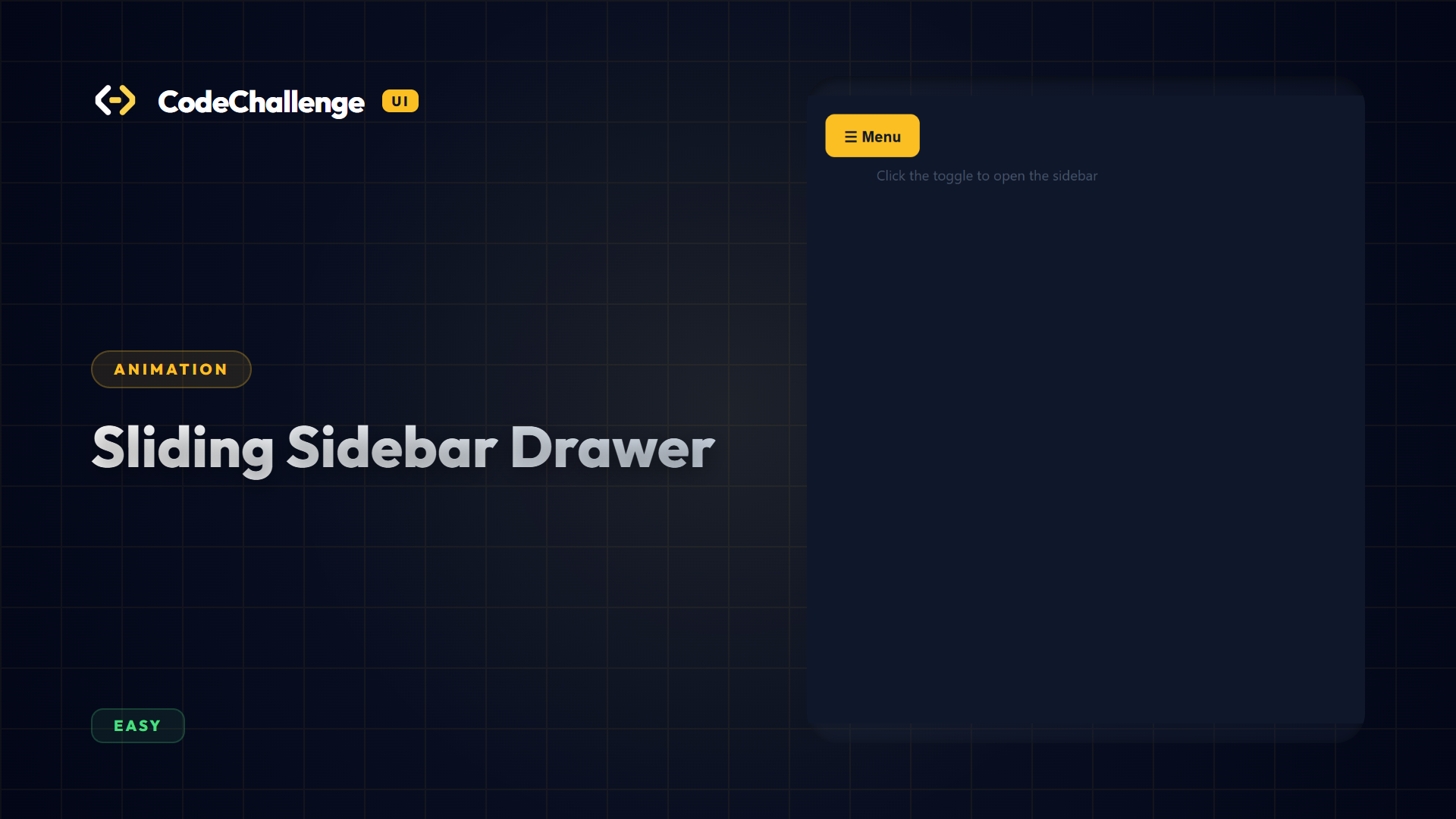
Sliding Sidebar Drawer
Design a sliding off-canvas sidebar drawer triggered on menu toggle clicks. Integrates dynamic scaling overlays transitioning backdrop visibilities.
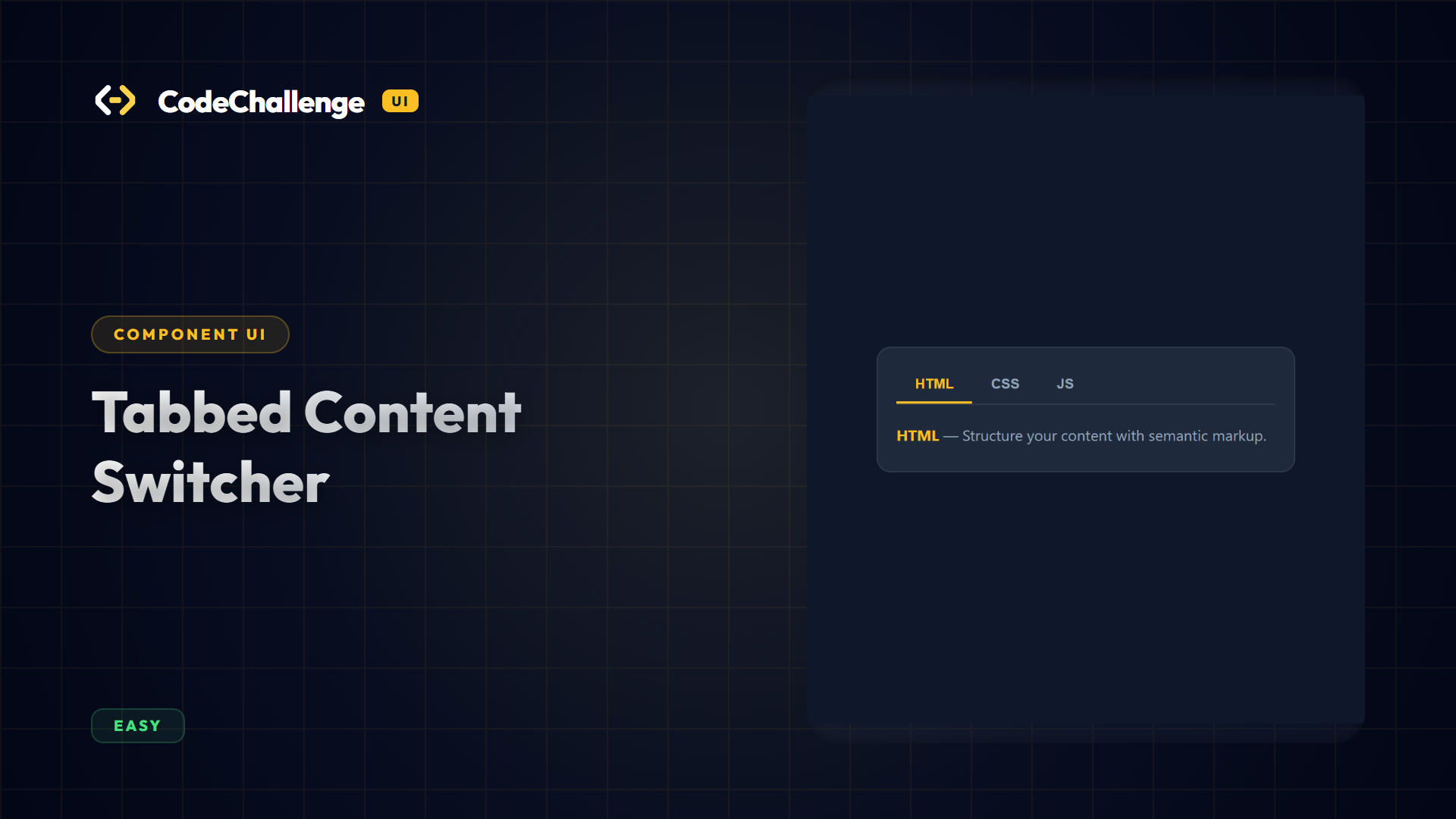
Tabbed Content Switcher
Construct an interactive tabbed navigation interface. Clicking a tab highlights the button and displays its corresponding content panel while hiding all other panels.
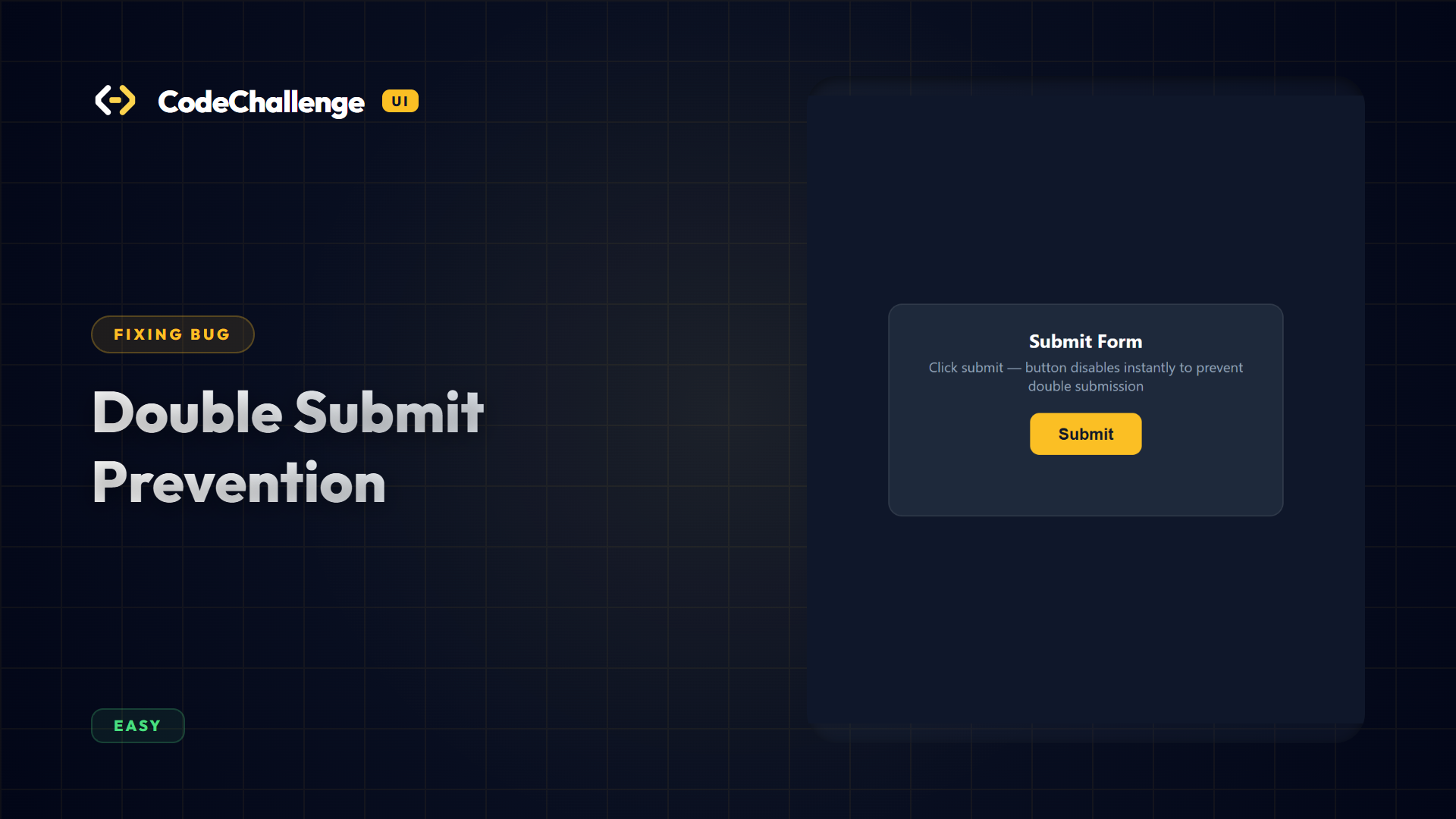
Double Submit Prevention
Fix double form submission bug triggers. Verify buttons transition to disabled states instantly upon submission clicks, blocking extra hits.
Learn in 3 Simple Steps
Select Stack & Challenge
Pick any design layout. Switch between standard HTML/CSS/JS, Vue components, or AngularJS controller scripts.
Code & Preview
Flesh out the layout, styles, and data bindings. Inspect live adjustments instantly inside the built-in browser window.
Verify and Submit
Trigger testing cases to check if all element specifications and interaction states meet production quality specs.
Ready to build amazing user interfaces?
Start writing code, inspecting logs, and validating DOM models. Level up your layout styling capabilities today.
Get Started For Free