
Beginner Frontend Challenges (30)
Build frontend confidence by crafting interactive UI components from scratch. Choose Vue, React, or Vanilla HTML+CSS+JS and test your layout with real-time compilation and automated DOM assertions.
Browse by Category
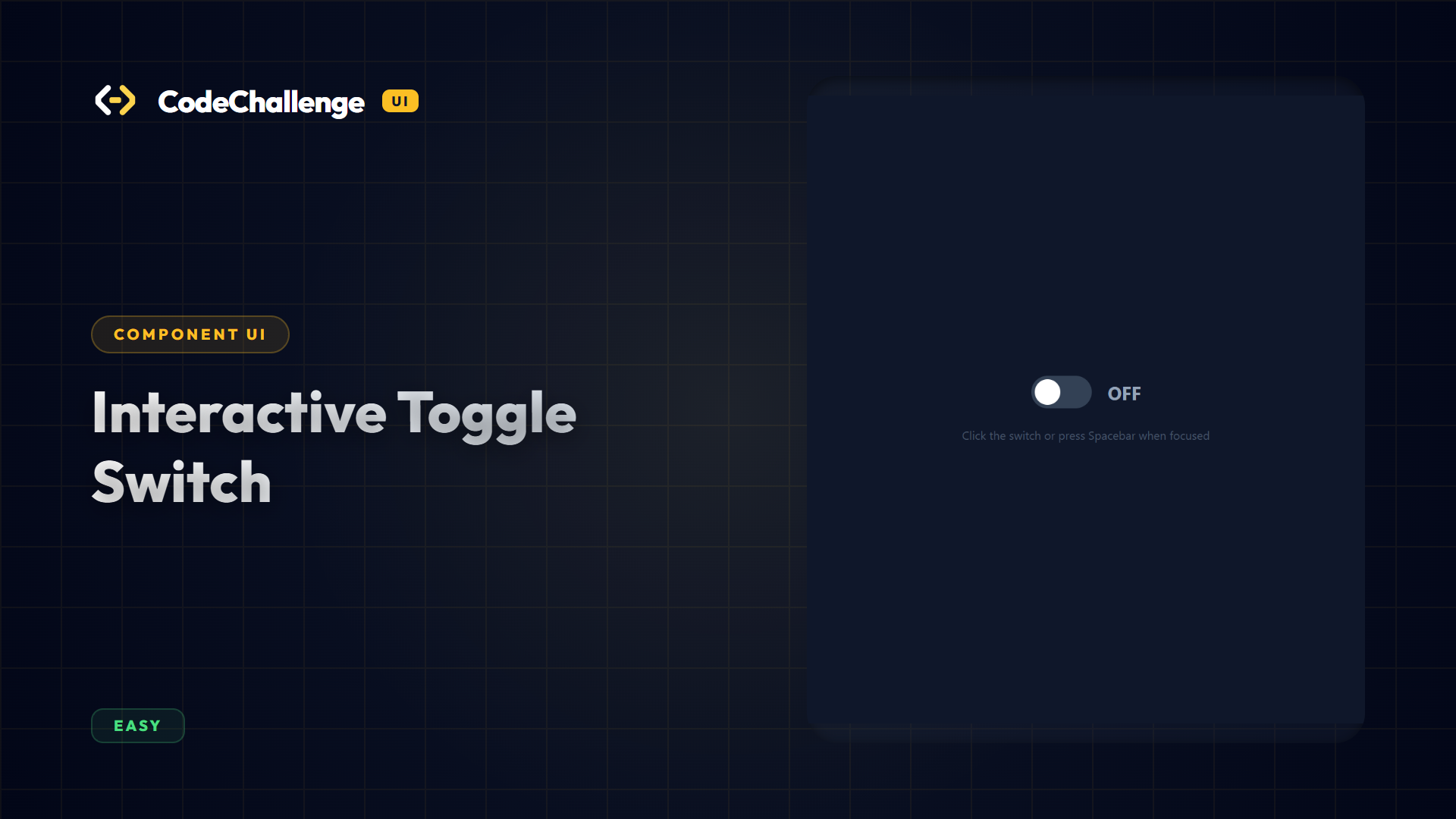
Interactive Toggle Switch
Create an accessible, animated toggle switch. The switch must toggle its active state on click, support keyboard activation via Spacebar/Enter when focused, and toggle a label indicator.
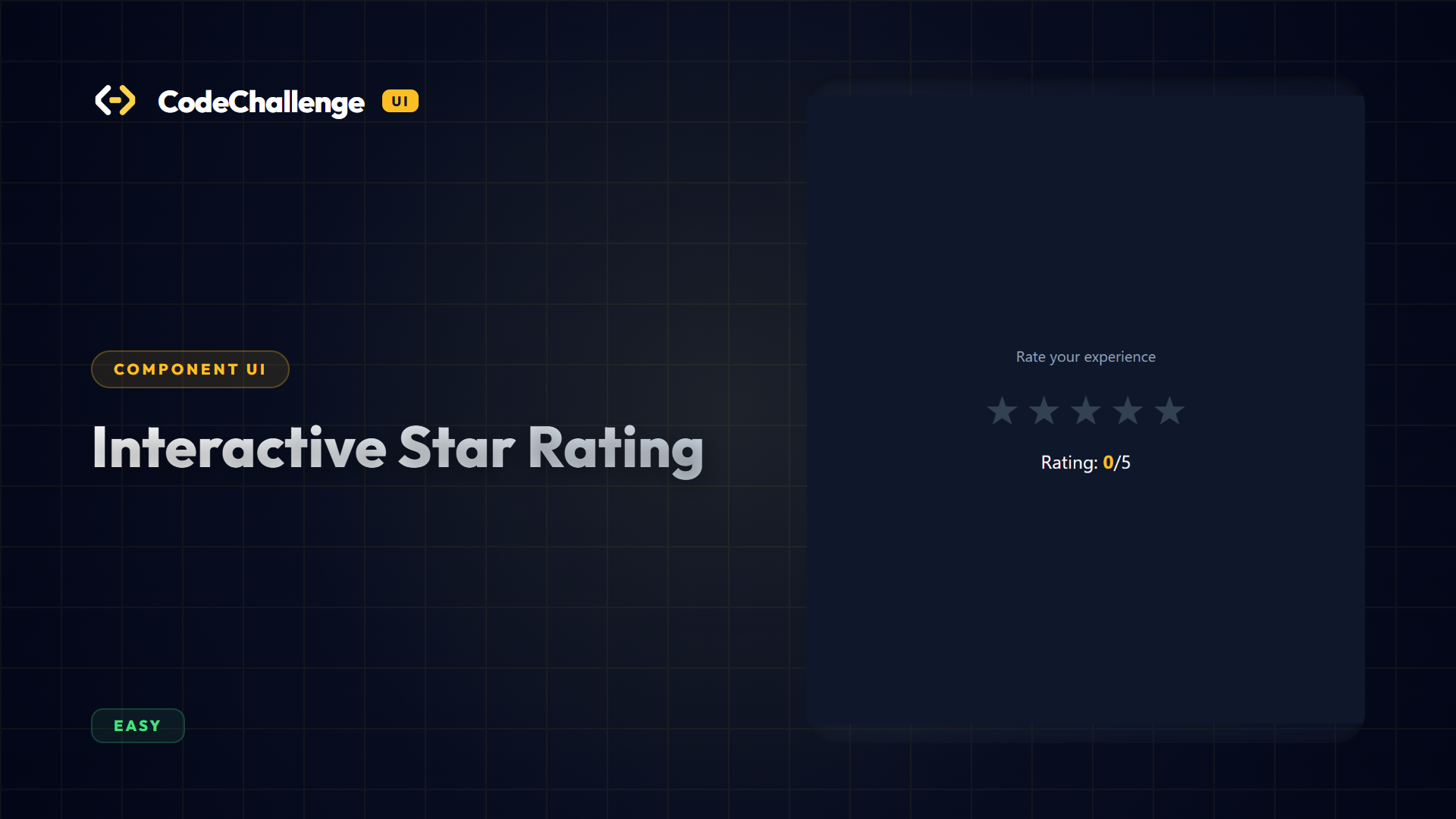
Interactive Star Rating
Design an interactive rating selector component. Hovering over stars highlights them up to the target index. Clicking locks in the selected rating count.
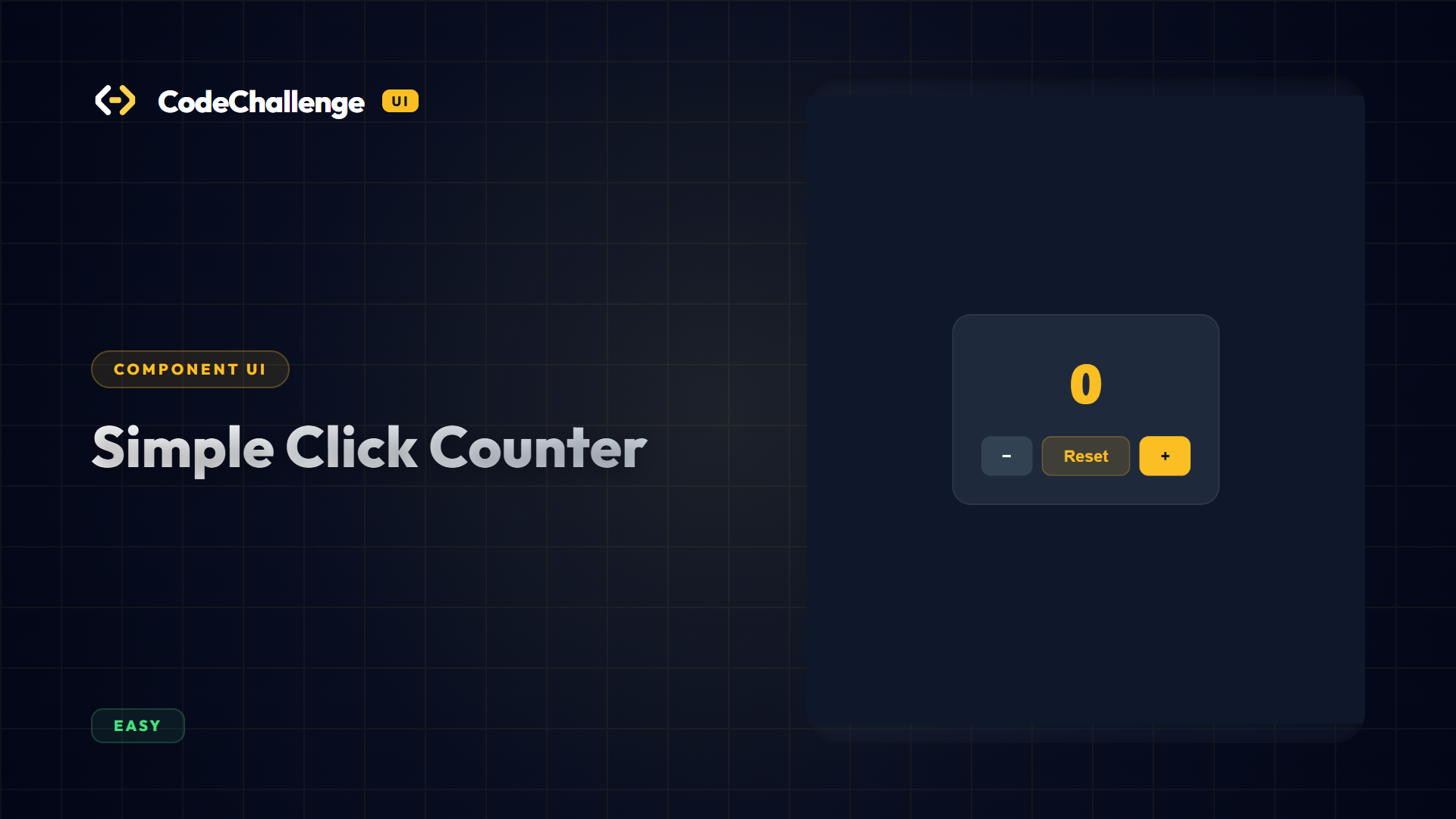
Simple Click Counter
Implement increment, decrement, and reset buttons modifying a display counter element.
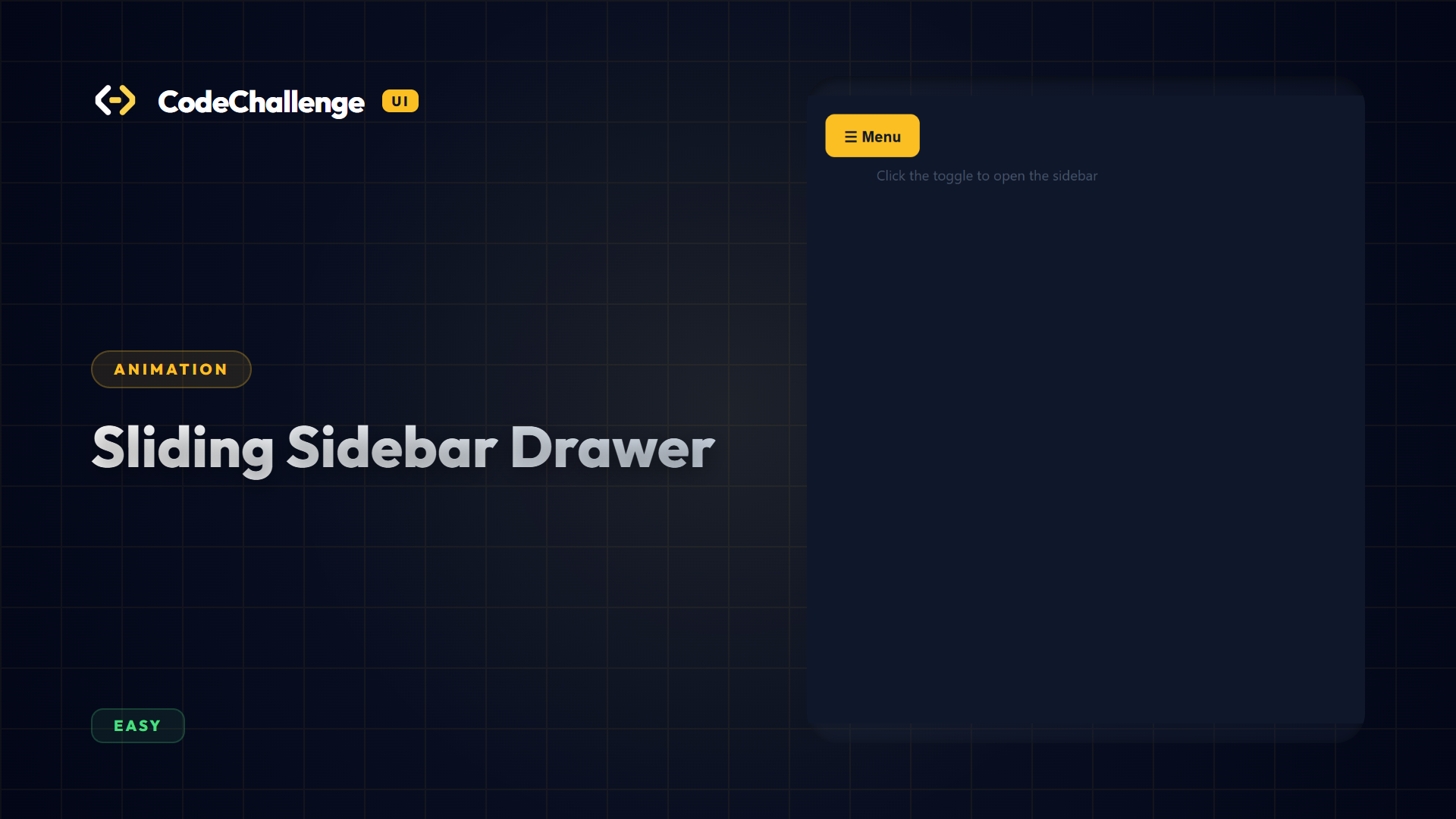
Sliding Sidebar Drawer
Design a sliding off-canvas sidebar drawer triggered on menu toggle clicks. Integrates dynamic scaling overlays transitioning backdrop visibilities.
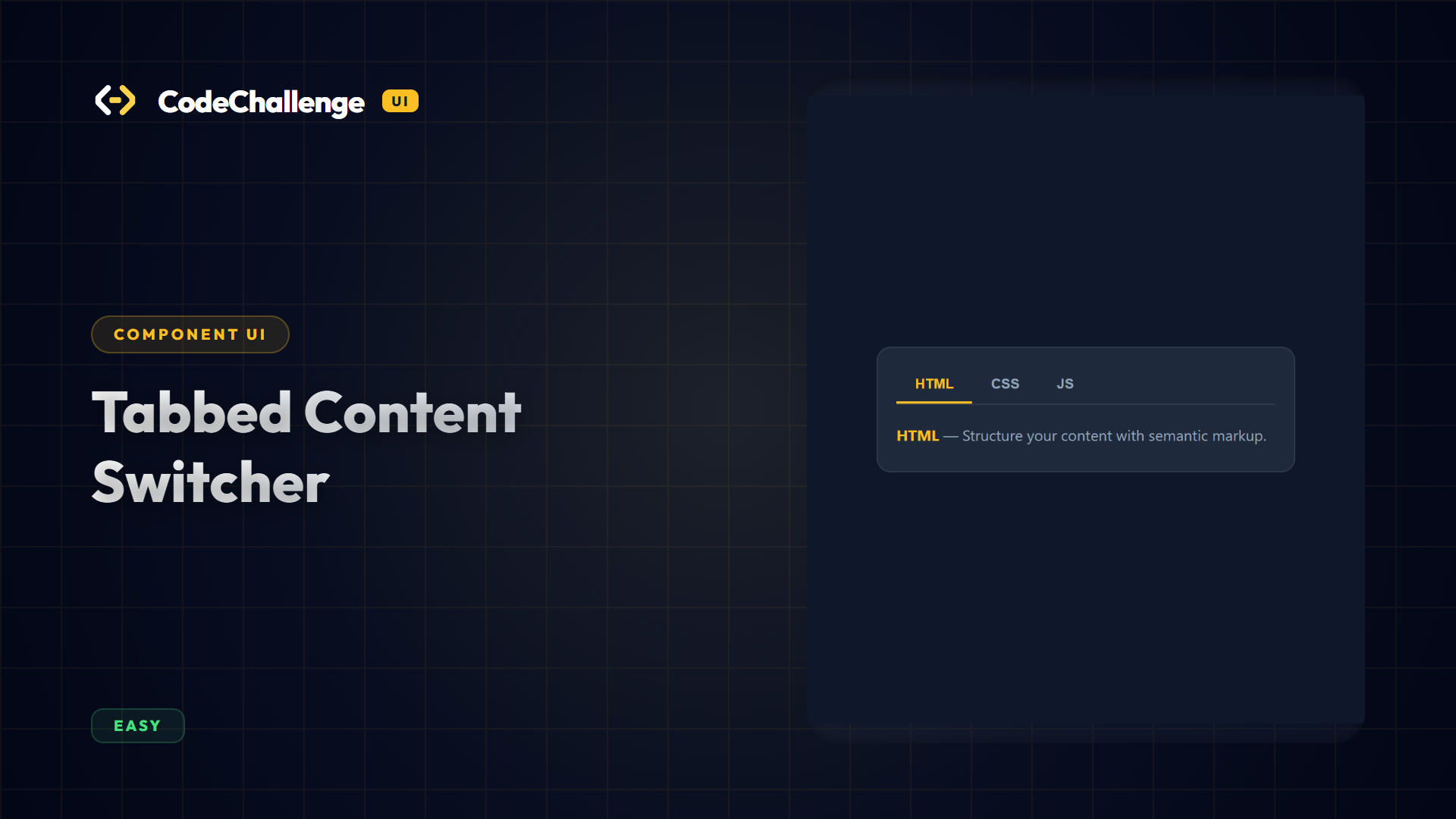
Tabbed Content Switcher
Construct an interactive tabbed navigation interface. Clicking a tab highlights the button and displays its corresponding content panel while hiding all other panels.
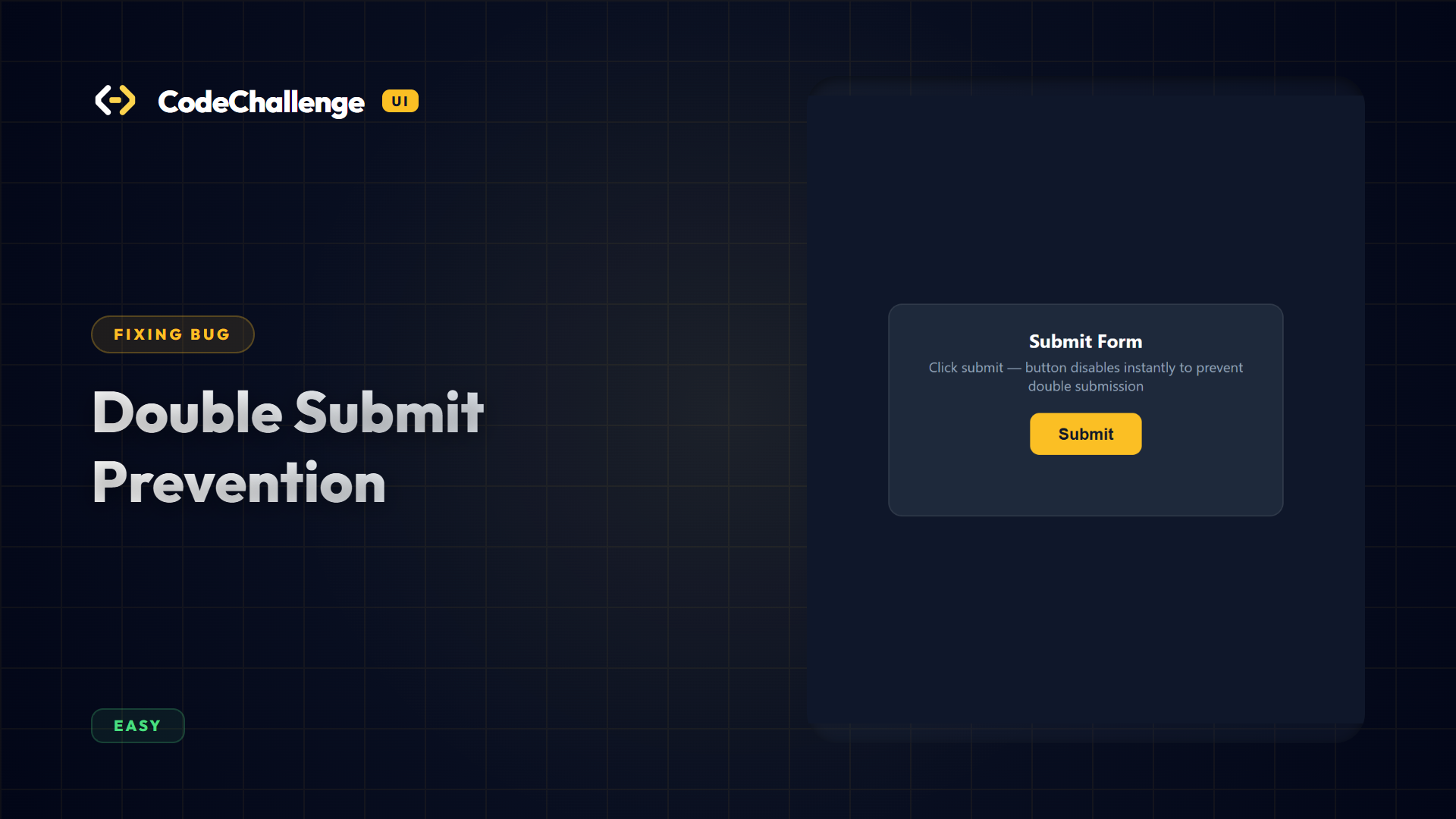
Double Submit Prevention
Fix double form submission bug triggers. Verify buttons transition to disabled states instantly upon submission clicks, blocking extra hits.
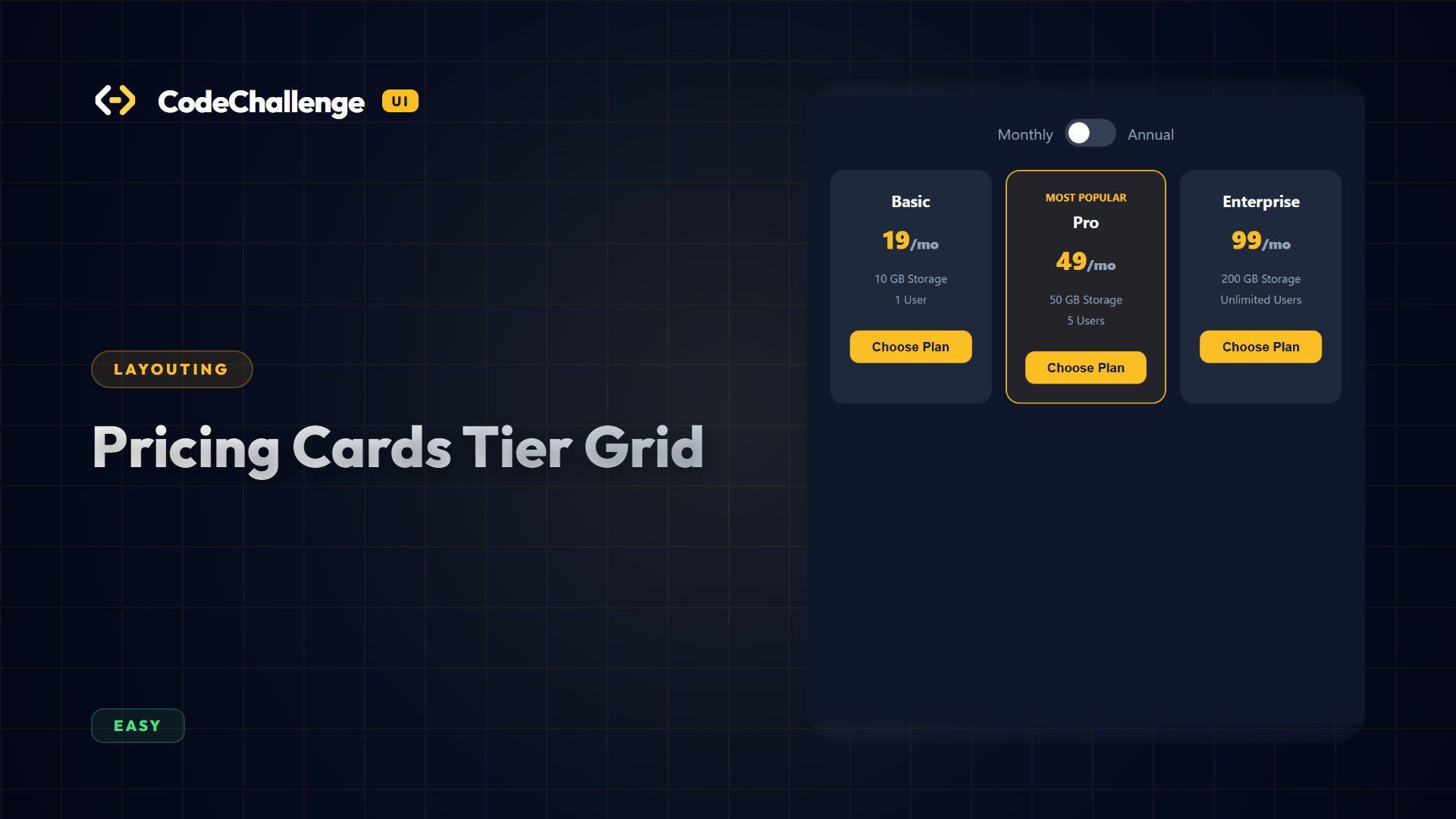
Pricing Cards Tier Grid
Implement a pricing tier layout matrix. Displays three highlighted catalog cards. Features a dynamic toggle button switcher for Monthly/Annual rates.
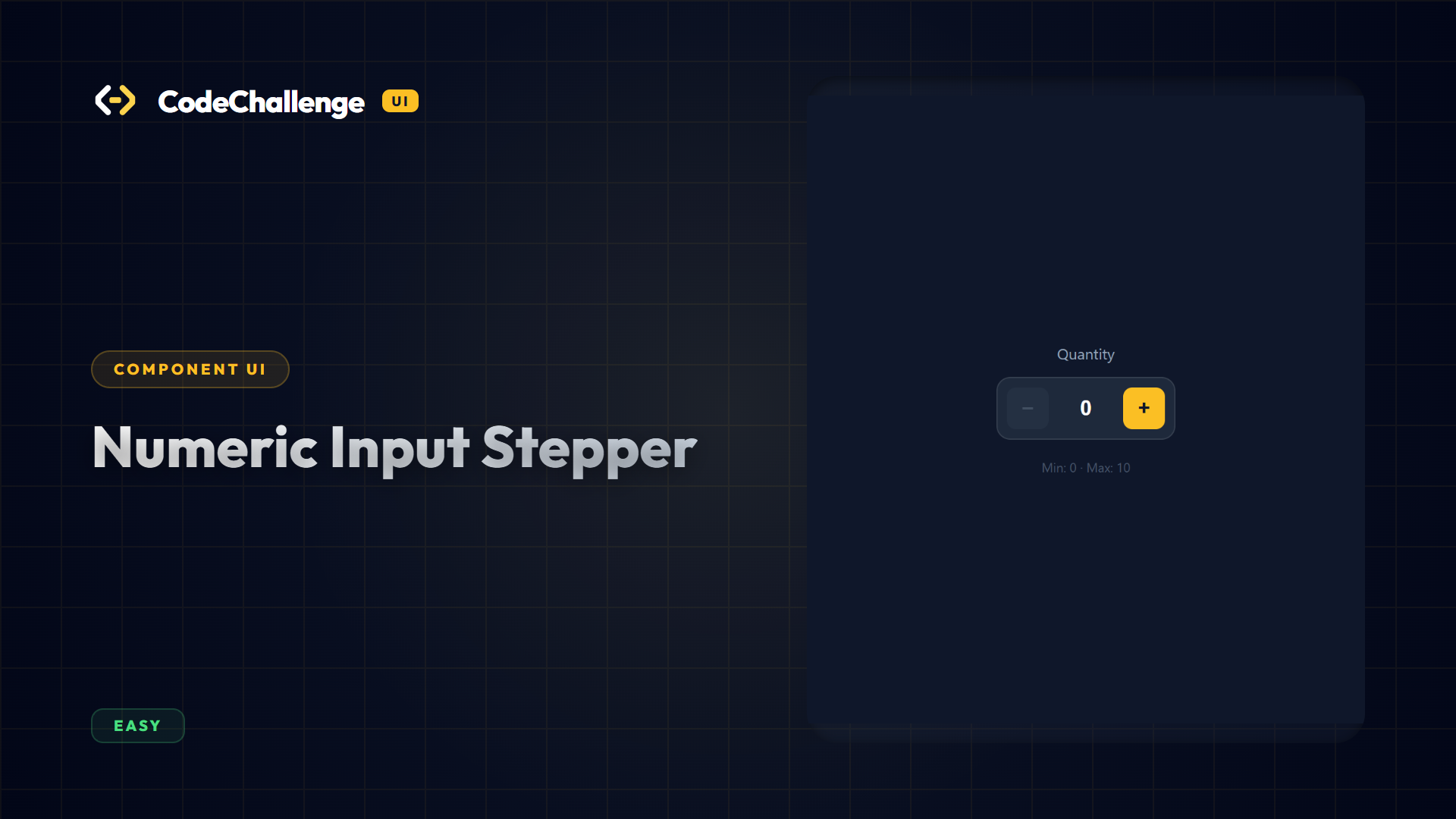
Numeric Input Stepper
Construct a numeric stepper component containing an input field and increment/decrement buttons. Restrict inputs to a specified boundary min and max range.
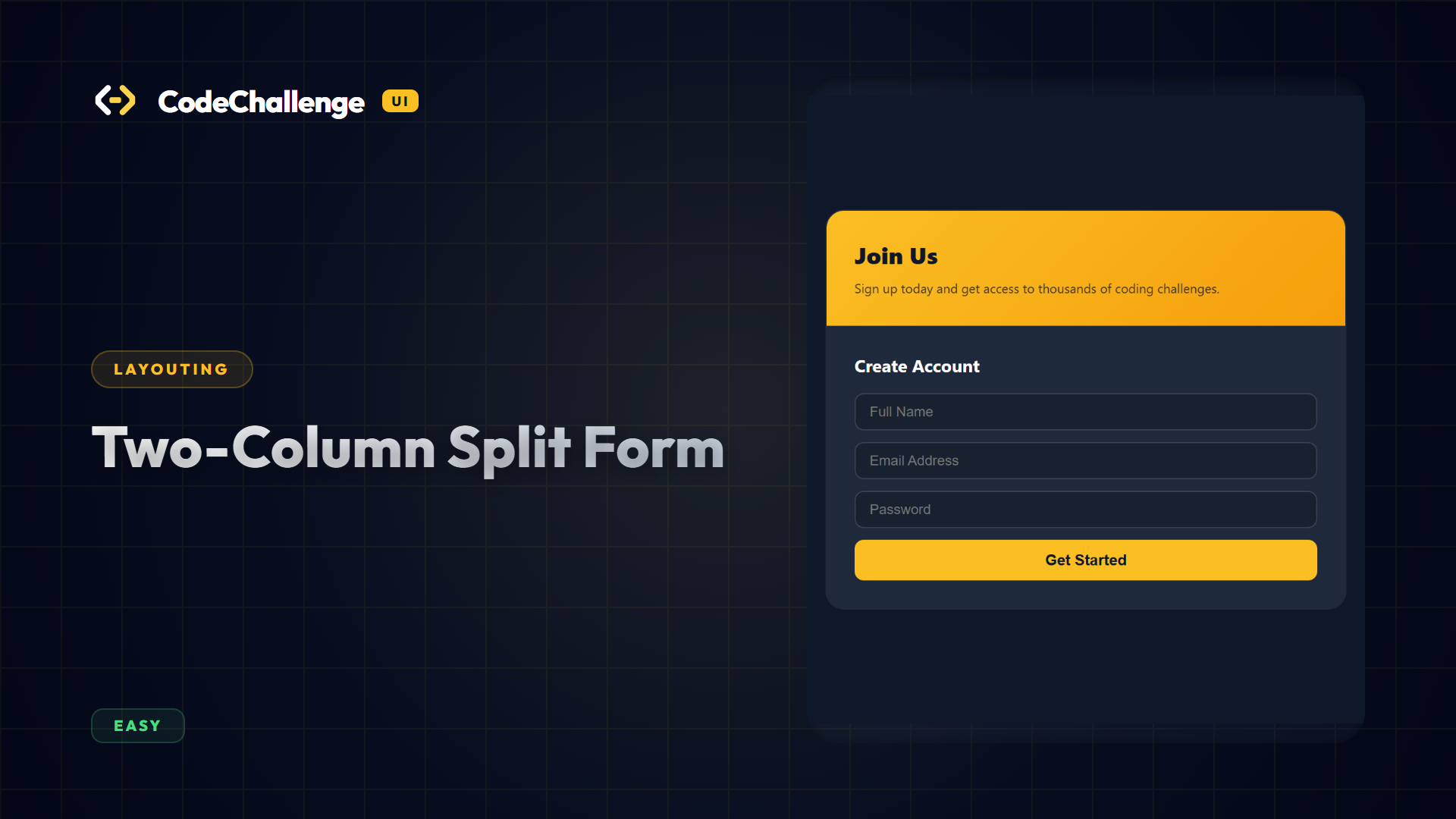
Two-Column Split Form
Design a split card layout screen. The left panel houses a graphic marketing widget, while the right panel displays a clean responsive sign-up input form.